Conway’s Game of Life
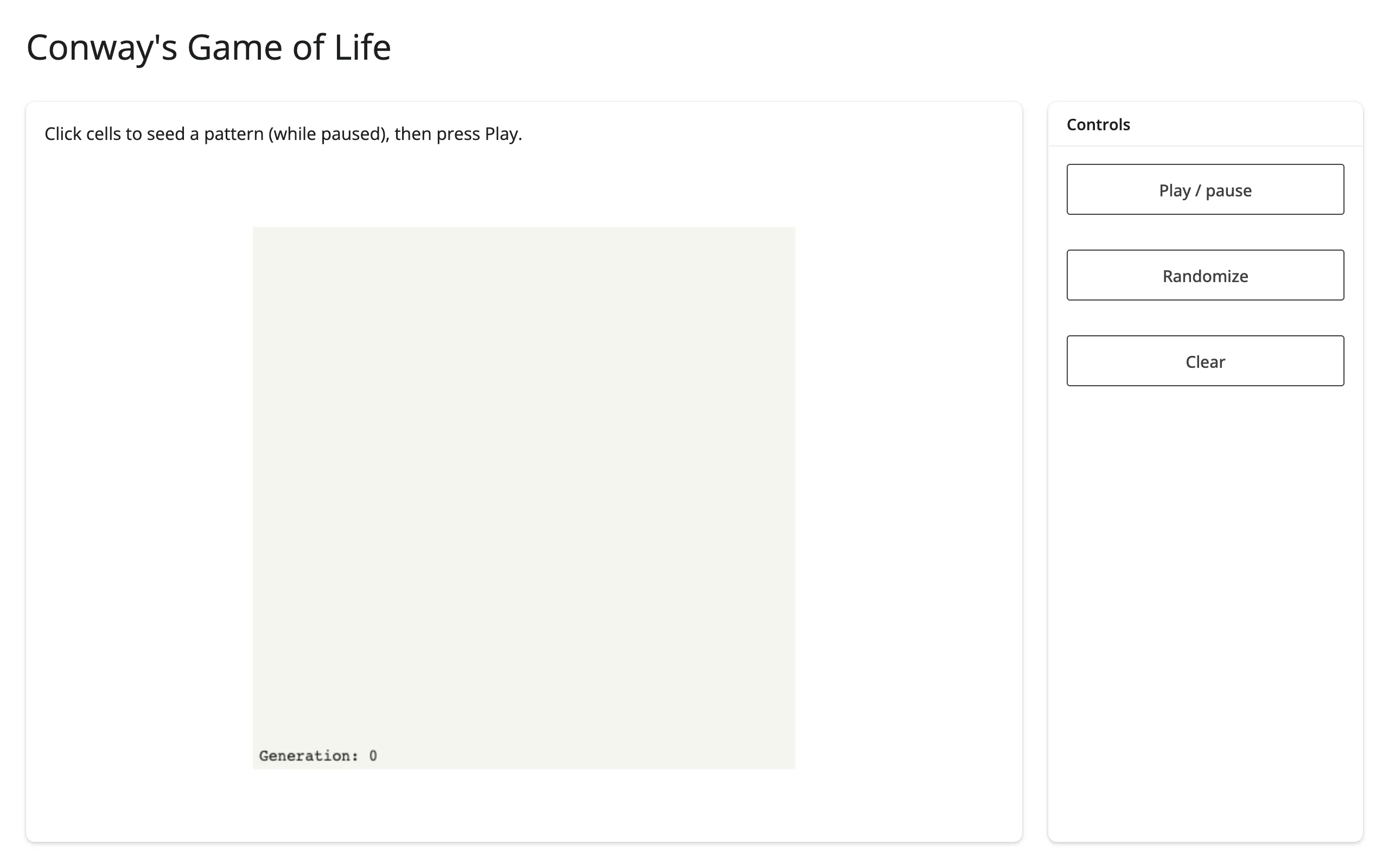
A 50x50 cellular automaton on an ipycanvas canvas: click cells while paused to seed a pattern, then press Play to let a reactive.invalidate_later() tick step the simulation. Every writer (click, randomize, clear, tick) redraws the same canvas object in place – the render function runs exactly once.
Run it
git clone --depth 1 https://github.com/posit-dev/py-shinywidgets
cd py-shinywidgets/website/gallery/templates/ipycanvas-game-of-life
uv run shiny run app.py
Source: app.py · Open in Shinylive
Try it
- Click a few cells to toggle them alive (while paused).
- Press “Play / pause” to start the simulation; watch the generation counter climb.
- Press “Randomize” for a random starting grid, or “Clear” to reset.
Pattern demonstrated
No accessors: ipycanvas’s on_mouse_down is a plain callback, bridged here to directly mutate a module-level numpy array and redraw. The key idea worth copying is the one effect responsible for pushing to the browser (_tick, gated by reactive.invalidate_later()), with every other handler (click, randomize, clear) calling the same redraw() helper directly rather than going through a reactive value – that’s what keeps canvas() itself a single render with no re-render loop.
What to change for your own data
- Swap the
step()function for any other 2D cellular automaton rule. N,CELL, and the tick interval (0.12s) control grid resolution, pixel size, and simulation speed.